Home
Zenbooks LogoZenbooks
Sign inStart free trial

Medical & Dental Practices (Germany) · Zenbooks Guide

GoBD-compliant invoicing & billing software for Medical & Dental Practices in Germany.

Create German client profiles, generate tax-compliant EUR invoices, and utilize tamper-proof prepaid wallets for fast checkout.

Global Tax EngineMulti-currencyCashless OperationsFree 14 days
CLIENT PREPAID WALLET

Fatima Al Sayed

Active
AVAILABLE BALANCE
750.00
Recent Wallet Activities
+
Wallet Top-up
Funds added to client balance
+750.00

GoBD rules make tracking upfront deposits complicated

Under German tax laws and GoBD guidelines, managing advance payments and client packages manually in spreadsheets is highly risky. Recording VAT (Umsatzsteuer) liabilities and tracking remaining client balances manually often leads to auditing issues.

GoBD-compliant wallet invoicing

Zenbooks customer wallets simplify upfront billing for German businesses. Load the client's balance in EUR (€). When they return, create the invoice and pay it using the wallet balance—calculating 19% VAT and generating a compliant invoice automatically.

STEP BY STEP

How the patient deposit wallet works

1

Create the patient profile in Zenbooks.

2

Recharge the patient's wallet with their deposit or installment balance.

3

Create a standard invoice for consultations, check-ups, or procedures.

4

Select the patient's wallet as the payment method to pay the invoice.

PLATFORM FEATURES

Everything Medical & Dental Practices (Germany) needs in one platform

Zenbooks combines invoicing, prepaid client wallets, time tracking, and real-time financial reporting in a single workspace — no third-party integrations or complex setup needed.

Professional Invoicing

Create branded invoices with automatic VAT/GST calculations, multi-currency support, and one-click PDF export.

Prepaid Client Wallets

Load Medical & Dental Practices (Germany) client deposits into a digital wallet. Settle invoices instantly using the wallet balance — no chasing payments.

Time Tracking & Billing

Log billable hours per client or project. Import time logs directly into invoices to bill accurately — every hour counted.

P&L Reports

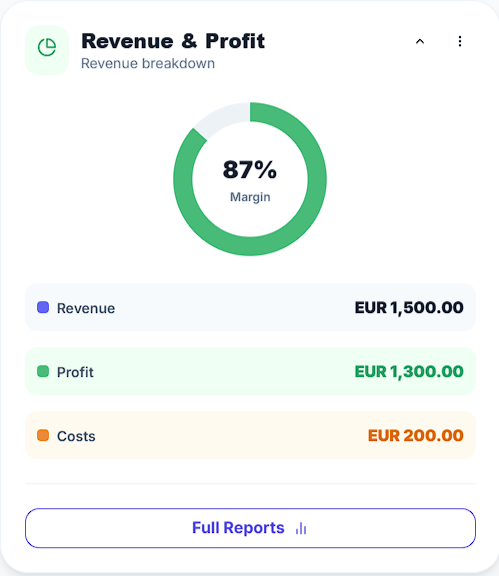
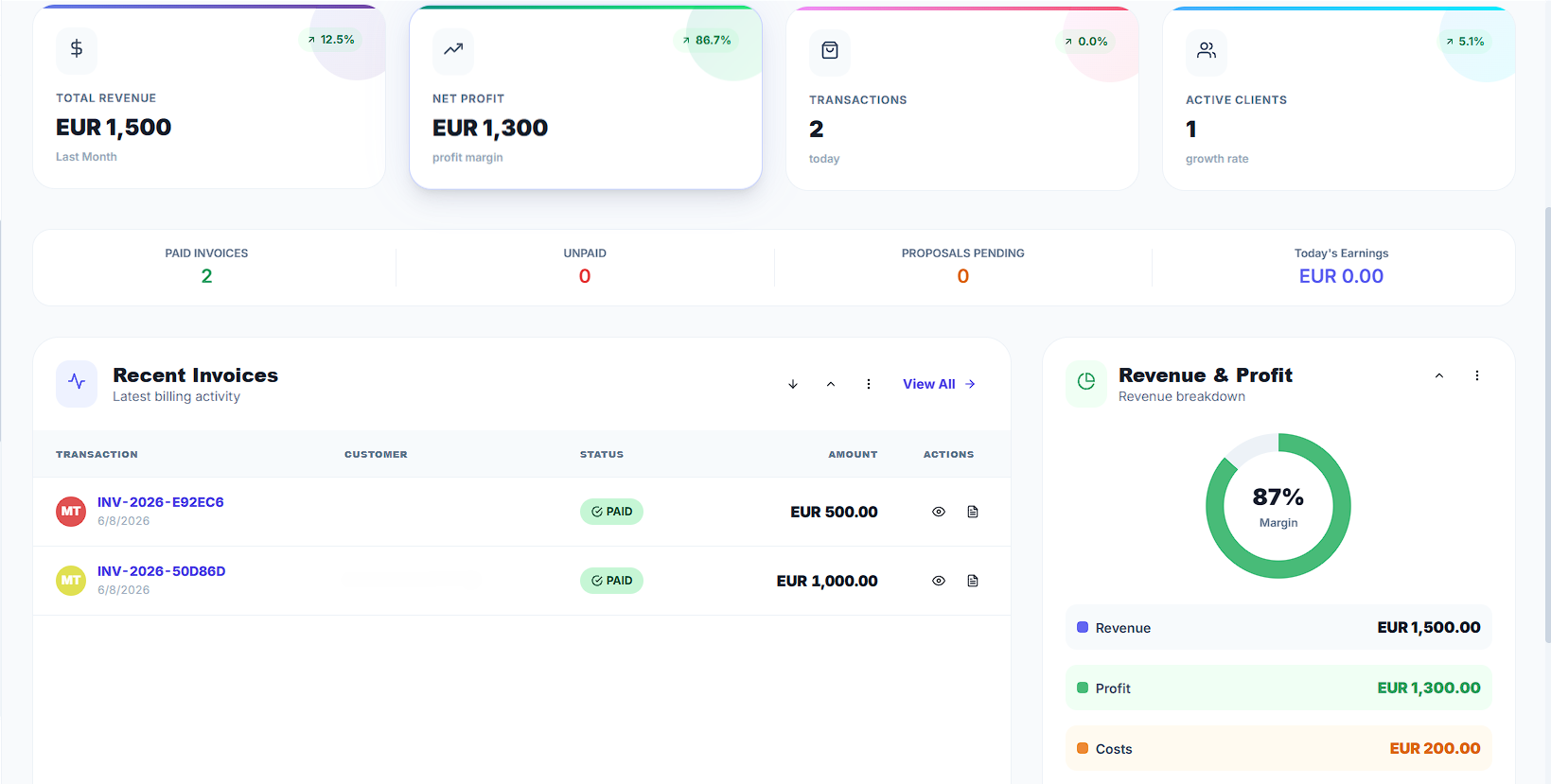
Real-time profit and loss reports, expense breakdowns, and balance sheets — always audit-ready and export-ready.

Proposals & Quotes

Send professional proposals with itemized line items and payment terms. Convert accepted quotes to invoices in one click.

Multi-Currency & Tax

Configure VAT, GST, or any local tax rate. Issue invoices in AED, SAR, GBP, EUR, USD, AUD and more.

Industry playbook

Pre-funded accounts & client ledger control

For German service businesses, Zenbooks simplifies GoBD compliance. When a customer pays upfront, recharge their wallet balance. Settle their invoice using the wallet at checkout to automatically calculate 19% VAT and log the transaction in your audit logs.

MEETING GOBD AUDIT REGULATIONS IN GERMANY

Zenbooks records all wallet adjustments, deposits, and invoice drawdowns on a secure digital ledger, ensuring all bookings comply with GoBD and can be easily exported for tax office reviews.

HOW TAX & AUDITS ARE HANDLED

Complies with German GoBD and Umsatzsteuergesetz (UStG) requirements. Select the wallet at checkout to record VAT dynamically and print compliant receipts.

COMPARISON: LEGACY BILLING VS ZENBOOKS
LEGACY

Track deposits manually on paper files or spreadsheets.

ZENBOOKS

Set a patient deposit wallet balance directly in Zenbooks.

LEGACY

High risk of auditing errors for installment plans.

ZENBOOKS

Select the wallet at checkout to pay the treatment invoice instantly.

LEGACY

Patient billing disputes over remaining credits.

ZENBOOKS

The updated wallet balance prints clearly on their receipt.

FAQ

Common questions

Still unsure? Try it free for 14 days — no card needed.

Yes. Zenbooks implements tamper-proof transaction logs, ensuring all wallet recharges and payments follow German GoBD rules.

GETTING STARTED GUIDE

Up and running in under 10 minutes

No onboarding calls, no complex setup. Follow these four steps and send your first invoice today — completely free for 14 days.

01

Create your free account

Sign up in 30 seconds — no credit card required. Your 14-day full-access trial begins immediately.

02

Configure your business profile

Add your business name, logo, address, tax registration, and default currency in Settings.

03

Add your first client

Create a client profile with their contact details. Optionally load their prepaid wallet balance for instant checkout.

04

Create & send your first invoice

Add line items or import time logs, apply VAT, and send a professional PDF invoice in one click.

Start free — no credit card needed →

14-day full-access trial · Cancel anytime · No hidden fees

REGIONAL TAX COMPLIANCE & CURRENCY

Select your country to view pre-configured local tax rules (VAT/GST) and currency settings for Medical & Dental Practices (Germany):

🌐Global Version🇦🇪United Arab Emirates🇸🇦Saudi Arabia🇬🇧United Kingdom🇦🇺Australia🇩🇪Germany
MORE INDUSTRY SOLUTIONS

Automate your Medical & Dental Practices (Germany) billing today

No more manual spreadsheet balance tracking. Start tracking client prepaid balances on an audit-ready ledger.

No credit card · 14-day free trial · Cancel any time